Answering or Rejecting a Call
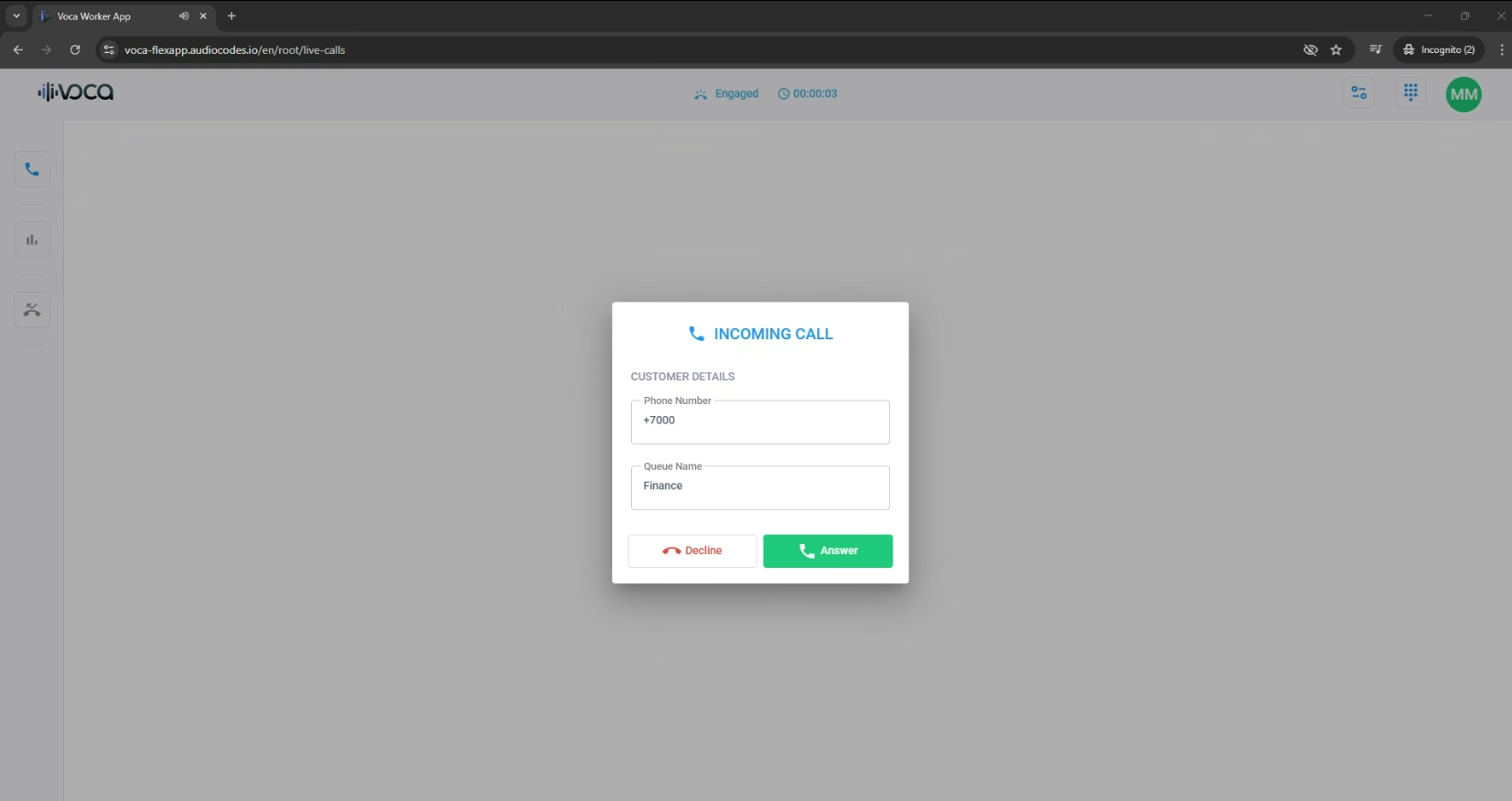
When you receive an incoming call, a pop-up notification box appears, as shown below, displaying the caller's phone number and the name of the queue that routed the caller to you.
|
➢
|
To accept or decline a call: |
|
■
|
In the pop-up notification box, do one of the following: |
|
●
|
Click Answer to accept the call. |
|
●
|
Click Decline to reject the call. |
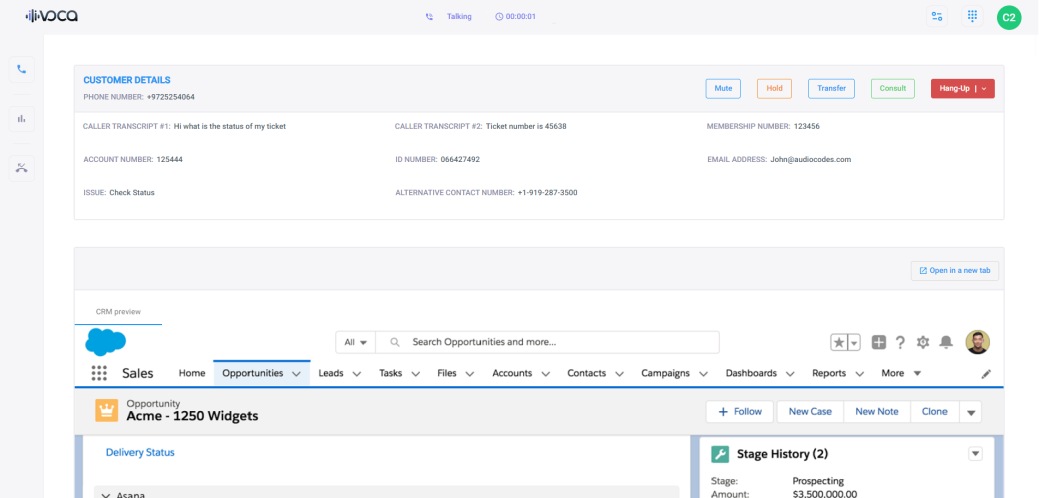
When you answer the call, your status on the status bar changes to "Busy", and the following is displayed on the page:
|
■
|
Customer Details pane displays information about the customer (caller): |
|
■
|
(Optional) If the Flex Application is integrated with a CRM, the relevant information about the customer is also displayed, as shown in the following example: |